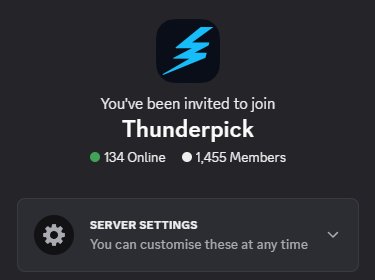
The Thunderpick Discord is back in action! We’ve rebuilt it from the ground up so you can have another space to hang out and chat with other likeminded players. We see the interactions in the onsite chat, and we want our players to have more ways to interact online.
Same Address, Brand new Coat of paint
For those of you that were in the older Thunderpick discord, then you won’t need to go anywhere, as our Discord is staying where it is, but this time, we’re looking to do more with it. Our Community team, which many of you will have gotten to speak to on site and through our social channels will be hosting community events straight from our Discord.
Be that watch parties, game nights or creator contests, we’ll have a bunch of exclusive content for the Thunderpick Discord community.
How to Join
So, on any of our sites, like our blog, there’s the discord icon, which when clicked, will take you straight to the Discord app (if on mobile) or direct to our invite link, to open on PC.
If you’re already on Discord, and want to add us directly to your sever list, scroll to the bottom of your servers and press the + button. Click the “Join a Server” button and input “thunderpick“. This link, unlike other Discord join links isn’t case sensitive, but it’s still easier easier to copy the text directly from here.
Doing so will show you the pop-up for the Thunderpick Discord. Hit join and you’ll be in!